
Why Construction Labor Costs Go Over Budget (And How to Catch Problems Early)

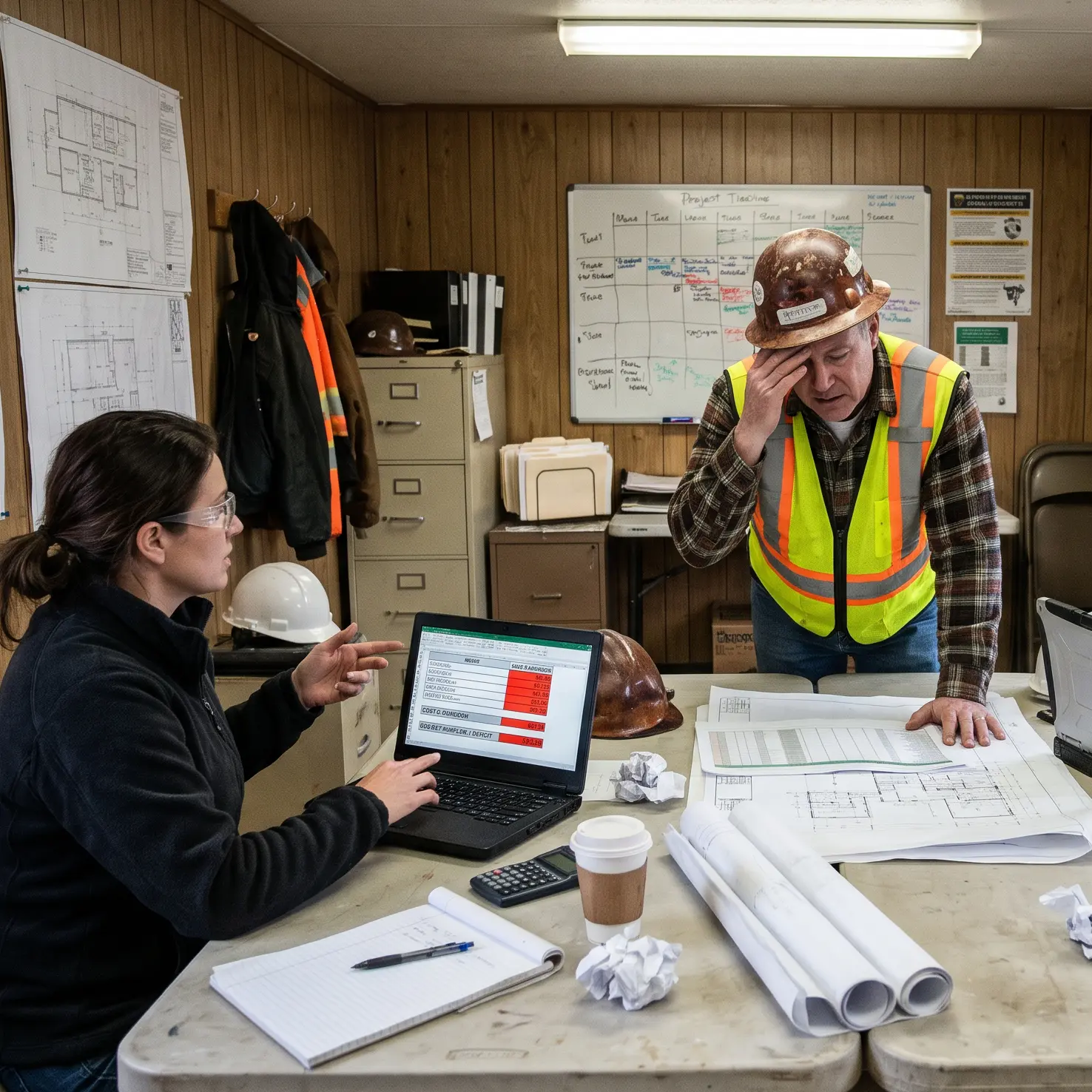
Labor is one of the largest controllable expenses on many construction projects. Yet a job can appear to be running smoothly while labor hours quietly exceed the estimate. Crews are working, time cards are being submitted, and progress is being made. The warning may not show up until the accounting team closes payroll or updates job costs.
By then, the contractor may have lost valuable opportunities to respond. The issue is not always poor crew performance. Inaccurate time entries, overtime, schedule disruptions, untracked changes, and delayed reporting can all contribute to a labor budget overrun.
The good news? Contractors can spot many of these problems earlier when field labor hours are captured consistently and compared with the work actually completed.
The short answer: Construction labor costs go over budget when actual hours, labor rates, or work requirements exceed the estimate. To catch overruns early, track time daily by job and cost code, review overtime and productivity, separate change-order work, and compare labor used with the progress made—not just the calendar.
1. Inaccurate Time Tracking Creates Costly Blind Spots
Paper time cards, spreadsheets, and delayed manual entry can create gaps between what happened in the field and what the office records. Hours may be assigned to the wrong job, coded to the wrong activity, estimated days later, or entered twice.
Even if total payroll hours are correct, the wrong cost-code assignment can make one activity look profitable and another look over budget. Project managers cannot fix a problem they cannot locate accurately.
Catch it early
Capture hours close to when the work happens, require consistent job and cost-code selection, and review missing or unusual entries before payroll. A construction labor management system can support a more reliable field-to-office process.
2. Overtime Adds Up Faster Than Expected
Weather, deadlines, staffing shortages, and accelerated schedules can make overtime necessary. But recurring overtime without a clear job-level view can erode the labor budget quickly.
Example: Five Extra Hours Per Employee
A 12-person crew earns an average base wage of $30 per hour. Each person works five overtime hours in one week at time-and-a-half.
12 employees × 5 hours × $45/hour = $2,700 in overtime wages per week
Four weeks at that pace = $10,800 in overtime wages
Illustrative gross wage calculation; excludes employer labor burden. Actual overtime obligations and rates vary.
If those additional wages were not accounted for in the estimate, the impact on margin can be substantial.
Catch it early
Review overtime by crew, job, and cost code every week. Ask whether it reflects planned acceleration, rework, or a recurring scheduling problem.
3. Productivity Falls Behind the Estimate
Labor estimates assume that crews can complete a certain quantity of work in a certain number of hours. If actual production is slower, costs rise even when wage rates stay the same.
| Labor measure | Budget | Actual |
|---|---|---|
| Labor hours | 400 | 500 |
| Burdened rate | $45/hour | $45/hour |
| Total labor cost | $18,000 | $22,500 |
The Result
$4,500 over budget — a 25% labor cost overrun
The additional hours might reflect rework, material delays, poor sequencing, equipment downtime, or an unrealistic estimate. The hours tell you where to look; production context helps explain why.
Catch it early
Compare actual labor hours with both budgeted hours and completed quantities. If 60% of the labor budget is spent but only 40% of the work is finished, investigate immediately. For more detail, read our previous article on measuring construction crew productivity.
4. Hours Are Charged to the Wrong Cost Codes
Job totals can hide activity-level problems. A project might look close to budget overall even though one phase is consuming far more labor than planned.
| Activity | Budgeted hours | Actual hours |
|---|---|---|
| Site preparation | 300 | 420 |
| Concrete installation | 500 | 460 |
| Finish work | 200 | 190 |
Site preparation is 120 hours over budget, even though other activities are under. Accurate assignments are essential to understanding the real performance of each scope.
Catch it early
Make cost-code entry part of the field time process, then compare budgeted and actual hours by activity. Connect those records with your construction cost tracking workflow.
5. Schedule Delays Create Additional Labor Expenses
Crews can lose productive time while waiting for materials, equipment, inspections, access, or another trade. Moving workers between activities or bringing them back later can add hours that were not anticipated.
A total-hours report alone may not explain these expenses. Daily field notes can provide the missing context.
Catch it early
Record labor hours alongside daily logs describing delays, disruptions, and rework. Review the two together when costs begin to diverge from the plan.
6. Job Cost Reports Arrive Too Late
If workers record time on paper, foremen collect it weekly, office staff reenter it, and job cost reports update only after payroll, managers may be reviewing information that is already several days old.
That lag matters when a crew is adding unplanned hours every day.
Catch it early
Reduce the time between field collection and job cost review. Look at labor trends during the job, not just at month-end or after the project closes.
7. Extra Work and Change Orders Are Not Tracked Separately
Owner requests and unforeseen conditions can legitimately increase labor requirements. But when those hours are charged to the original scope, the base estimate may appear to have failed—even when the team performed additional work.
Separate records also make it easier to document labor associated with change-order requests.
Catch it early
Use appropriate job or cost codes for authorized changes and extra work. Train foremen to identify and record those hours as they occur.
What Should Contractors Review Each Week?
A simple recurring review can reveal early signs of labor cost trouble. Focus on measures that help explain both spending and progress.
| Metric | Why it matters |
|---|---|
| Budget vs. actual hours | Shows which activities are consuming more labor than planned. |
| Labor cost by cost code | Identifies where labor dollars are going. |
| Overtime hours | Reveals recurring premium-pay patterns. |
| Production per labor hour | Connects time spent to work completed. |
| Estimated cost to complete | Tests whether remaining work fits the remaining budget. |
| Time-entry exceptions | Flags missing or questionable records before reports are used. |
Five Questions for Your Weekly Labor Review
- Which jobs or activities are using labor faster than planned?
- Where has overtime increased?
- Is production keeping pace with hours spent?
- Are delays, rework, or scope changes driving additional labor?
- Are the time records accurate enough to trust the answers?
How mJob Helps Improve Labor Cost Visibility
Better cost decisions begin with dependable field information. mJob helps contractors collect employee and crew time, associate hours with jobs and cost codes, and support reporting and downstream job costing processes.
Foreman-based time entry, configurable time rules, and construction-focused labor reporting can reduce manual handoffs and make labor information more useful to field and office teams.
Software cannot eliminate weather delays, rework, or unrealistic estimates. But more accurate, timely labor data can help contractors identify their impact earlier and respond with better information.
Don't Wait Until the Job Is Finished to Find the Overrun
Construction labor overruns often begin with small problems: a few extra hours, a misassigned cost code, or a crew falling behind expected production. Left unchecked, those issues can compound.
Want a clearer view of field labor and job costs? Request a demo of mJob to see how construction-focused time collection can support better labor management.
See How mJob Helps You Track Labor Costs
Request a demo to see how mJob can help your team collect field labor hours and support more accurate job costing.