
Geofence Time Tracking for Construction Jobsites
Verify labor locations precisely where work happens.
Stop wondering if your mobile crews are actually on-site. By utilizing mJobTime's geofence time tracking module, you can set a default radius for imported projects or manually define jobsite GPS tracking perimeters for each location. Gain irrefutable evidence of location, secure your margins, and guarantee authentic employee time.
Eliminate the guesswork of roaming field operations. Validate your work locations and bulletproof your data.
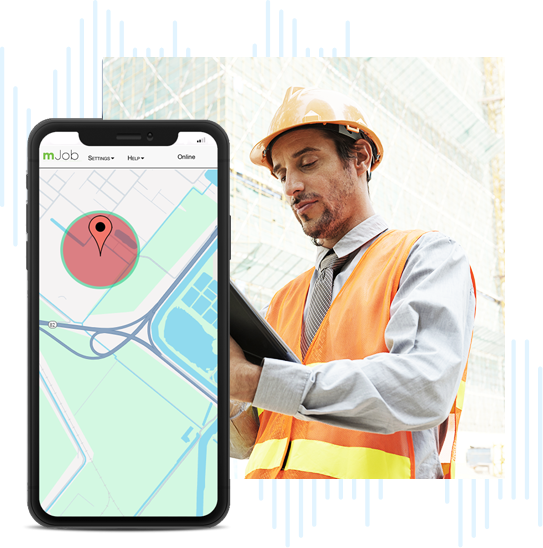
Jobsite GPS Tracking & Monitoring
A traditional paper timesheet cannot tell you if a shift was recorded at the staging area or off-property. As your workforce expands across various construction sites, maintaining oversight becomes nearly impossible without digital intervention.
How mJobTime Tracks Location
When an employee uses mJobTime to clock in via a GPS-enabled mobile device, the application waits exactly 5 seconds to retrieve the location area. This ensures you capture accurate data without delaying the field worker's process.
Site Proximity
Phase Switching
Violation Alerts
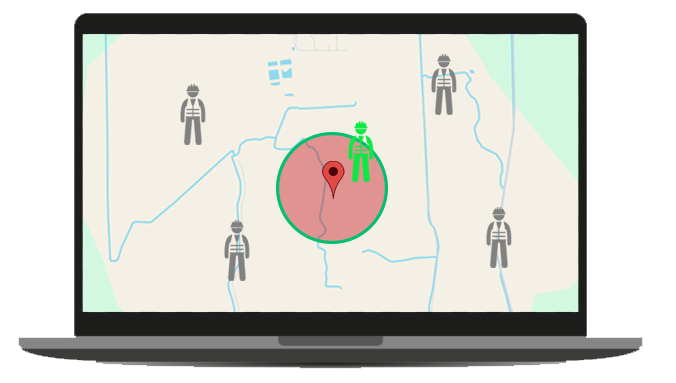
Flexible Rules for Every Jobsite
Every crew operates differently. With mJobTime, you aren't forced into rigid tracking. You can customize what happens in the event that GPS is disabled or fails on an employee's mobile device via the Web Restrictions tab.
You Control the Restrictions
- ✓Do Nothing: Allow the punch to process normally.
- ✓Display Warning Only: Let the employee proceed but notify management.
- ✓Block Clock In/Out: Strictly enforce GPS enablement to record time.

Default Radius
Automatically apply a set perimeter to newly imported jobs.

Smart Alerts
Review records immediately if employees punch outside the zone.
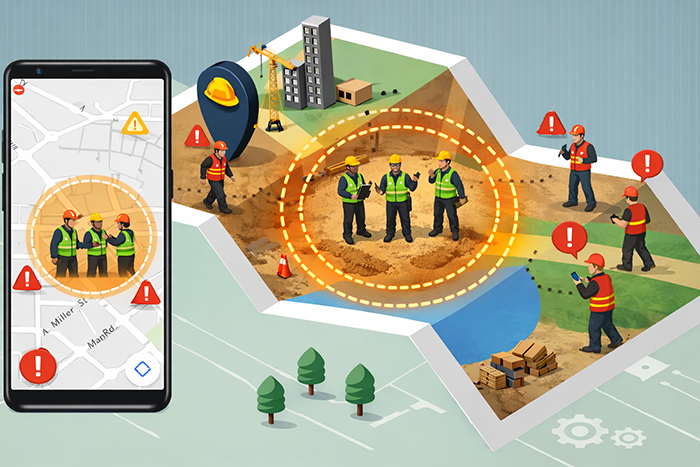
Customize zones for staging, building, and material yards.
Transform Coordinates into Actionable Data
Once time cards are received from the field, Admin users in the desktop version of mJobTime have powerful tools to analyze and visualize the GPS data.
Coordinate Conversion
Raw GPS coordinates are useful, but street addresses are better. Use the "Update GPS Locations" function to automatically convert coordinate data into readable street address locations for easier review.
- ✓Bulk coordinate conversion
- ✓Clearer audit trails
Google Maps Integration
Need visual proof? Admin users can map clock in/out locations directly from the time card edit screen. Clicking "Display Map" launches a browser session directly into Google Maps for visual verification.
- ✓Instant visual verification
- ✓Integrated mapping tools
Exception Dashboards
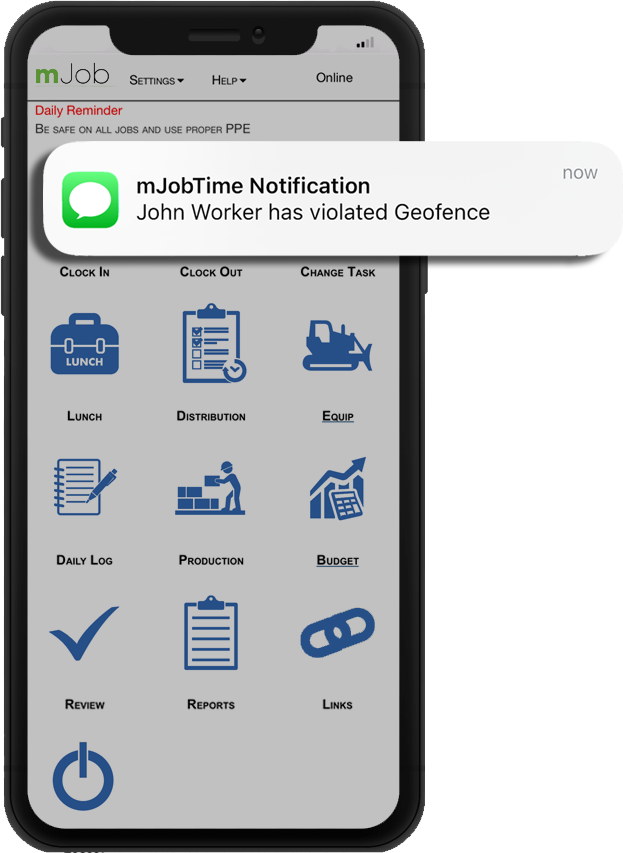
A Geofence generates an alert if an employee clocks in or out outside the designated radius. Managers can easily filter, view, and "Release" these alerts after reviewing the time card in question.
- ✓Visual violation alerts
- ✓Easy bulk release options
Employee Location Reports
Run comprehensive Labor Reports to analyze GPS information. Filter by individual employees, date ranges, or specifically print records where the start and end locations differ.
- ✓Filter by mismatched locations
- ✓Exportable compliance data
Transforming Raw Data into Pristine Payroll
By capturing the exact location area of every punch, mJobTime provides the context needed to resolve back-and-forth arguments over hours worked. Your payroll team receives clean data that drastically reduces administrative bloat.
- ✓Accelerated Closeouts: Stop spending Tuesdays correcting Monday's errors.
- ✓Defensible Invoicing: Show clients exact, location-stamped logs of your crew's presence.
- ✓Direct ERP Routing: Verified figures flow effortlessly into your accounting software.
Geofence Time Tracking FAQs
Clear answers on implementing digital perimeters for your field teams.
What is geofence time tracking?
Geofence time tracking establishes a digital boundary radius around your physical work location using GPS coordinates. If an employee clocks in or out outside of this designated radius, the system generates an alert for managers to review in the desktop application.
What happens if an employee turns off their jobsite GPS tracking?
Managers can control what happens in the Web Restrictions tab. If GPS is disabled or fails on a device, you can choose to: Do Nothing, Display Warning Only, or Block the Clock In/Out attempt completely.
Can I see exactly where an employee was when they punched in?
Yes. Admin users can convert GPS coordinates to street address locations using the "Update GPS Locations" function. You can also map clock in/out locations directly on Google Maps from the time card edit screen.