
Reduce Foreman Paperwork in the Daily Routine
Is your foreman spending too much time on paperwork? Discover strategies to streamline field reporting and automate data capture so your leaders can focus on leading, not logging.
Read full post

May is shaping up to be a busy month! We are gearing up for the CFMA National conference and working on some exciting new ways to support your team. From new support tools to efficiency modules, we've got a lot to cover this issue.
Reece Jordan
Communications Director
While we aren't releasing new features this month, our engineering team is deep in the development phase of a massive upcoming update. We are currently architecting several high-impact enhancements and performance upgrades that we can't wait to share. Big things are on the horizon—stay tuned for some exciting announcements coming very soon!
Total construction spending remained resilient in Q1 2026, driven by a 4.2% uptick in public infrastructure projects and growth in high-tech manufacturing facilities.
With nearly 400,000 job openings across the sector, the focus has shifted toward retention and digital transformation to mitigate the skilled labor gap.
Price stabilization in steel and concrete has provided predictability, though electrical components continue to see lead-time pressures.
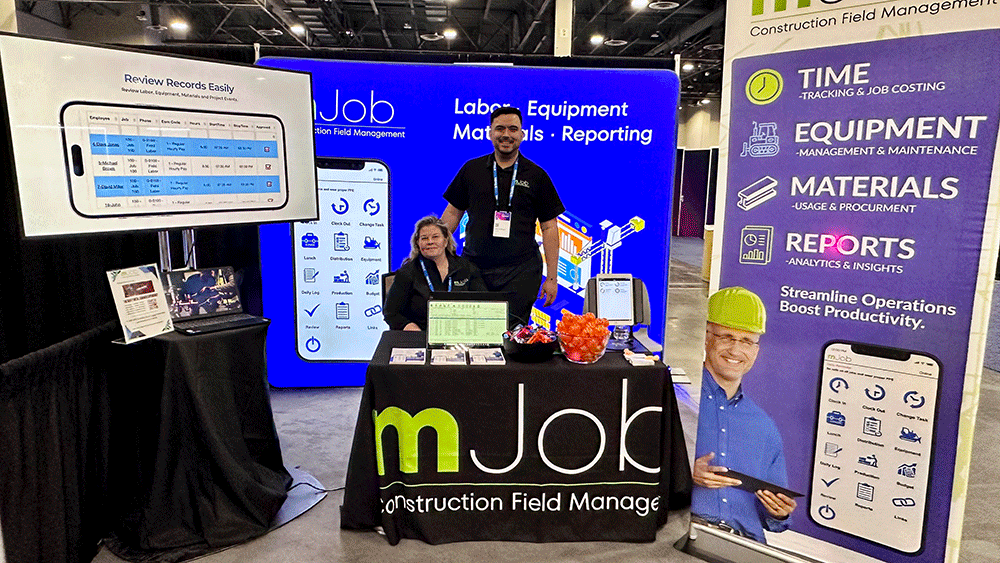
We're heading to Phoenix! Join us for the CFMA National conference from May 30 - June 3.
Stop by Booth #614 to see our latest features in action and chat with our team.
New Chat Feature
We've launched a new Zendesk Chatbot to provide instant support and answers to your mJobTime questions!
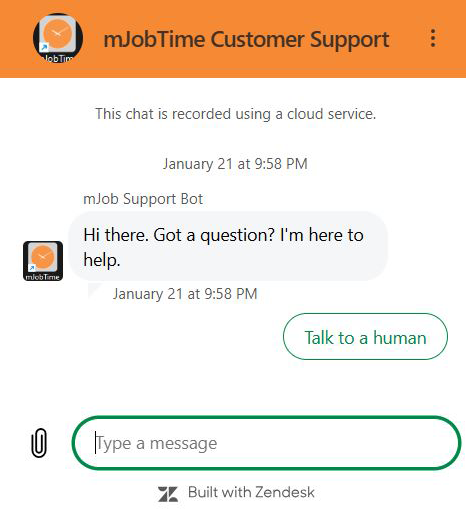
How it helps you:
The Copy Module
Repetitive entry? Save time with the Copy module. You can clone labor, equipment time, and logs from one day to another for specific employees.
This feature copies all entries for the selected date and only copies entries that were created under the current foreman login.
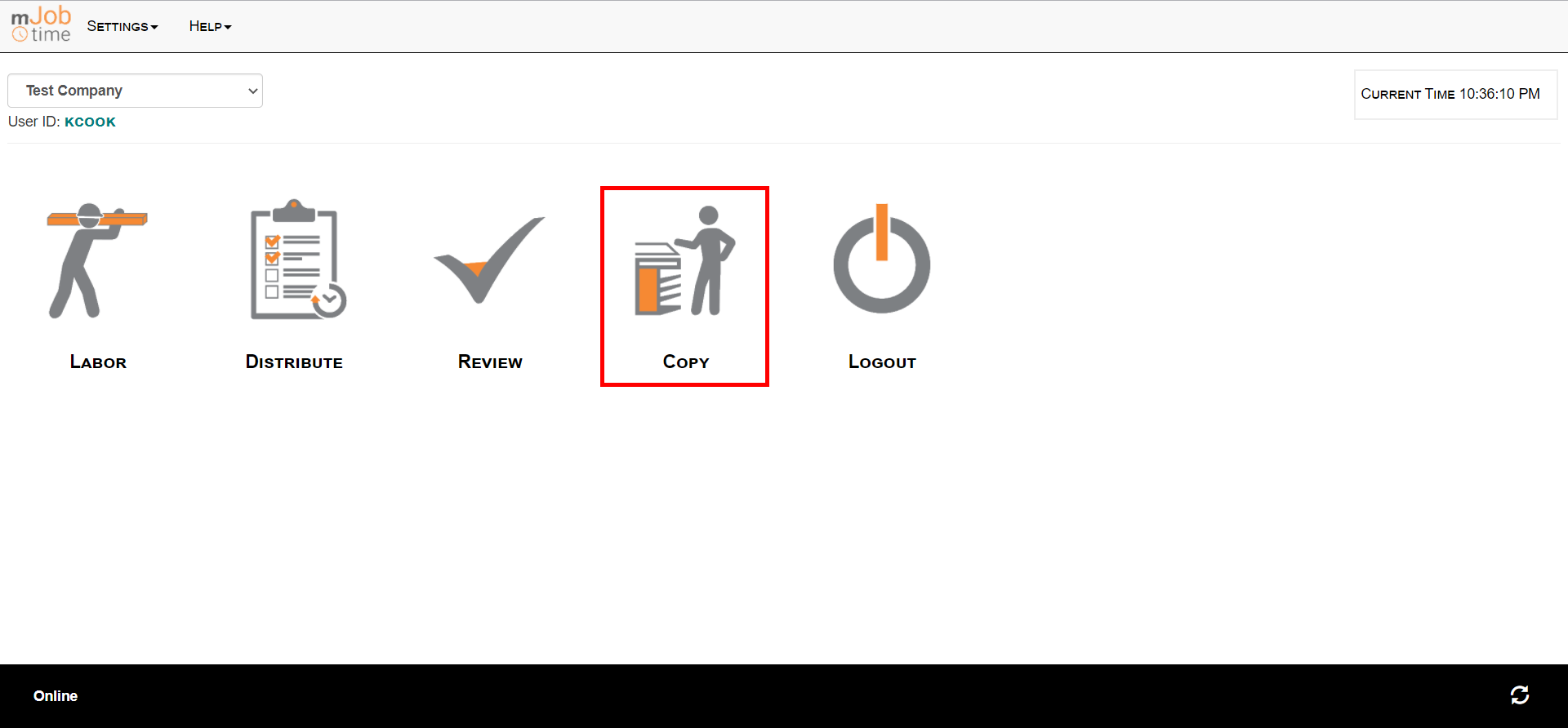
Select the Copy button on the Home screen.
Choose the employee(s), period, and the dates you want to copy from and to.
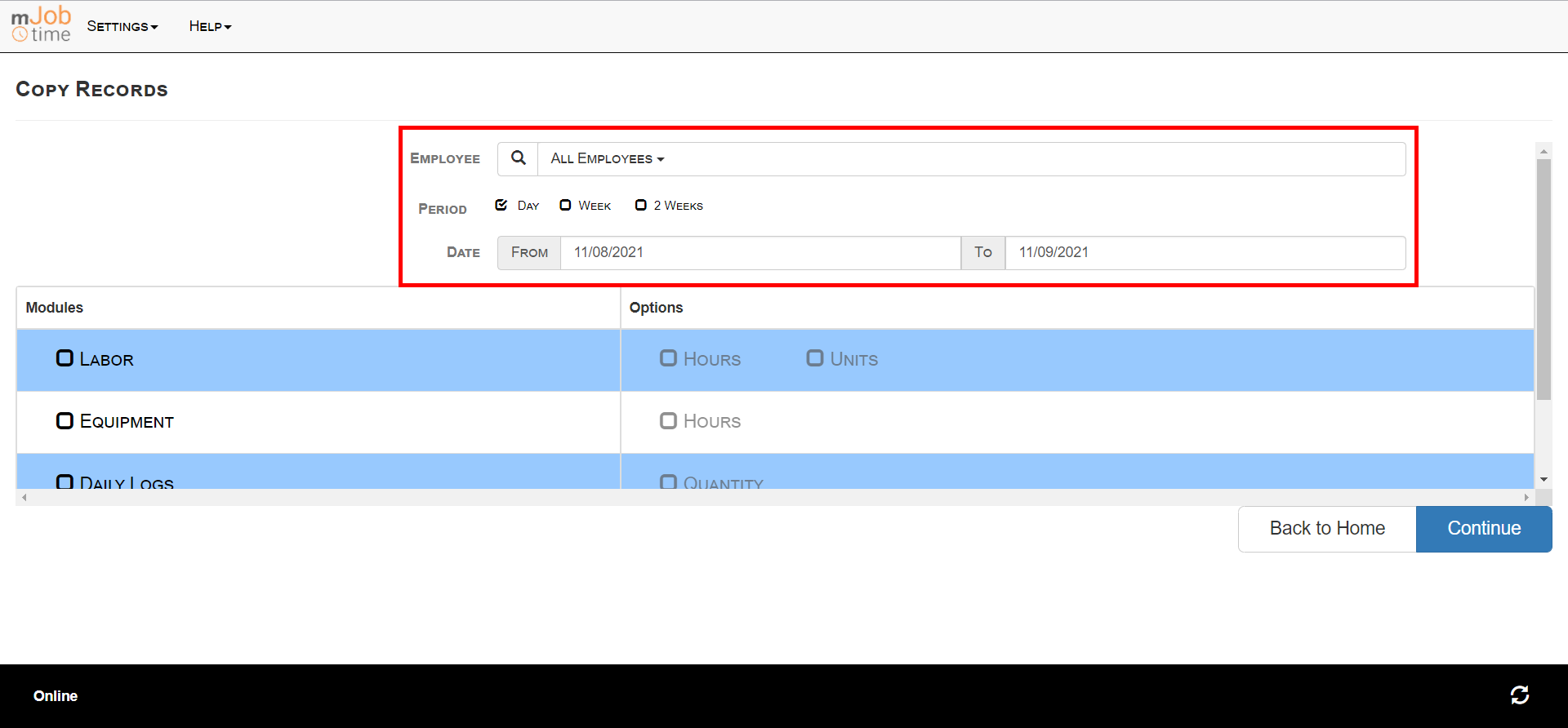
Check the boxes for the time card types and options you want to duplicate.
Note: Options disabled on the foreman record will be grayed out.
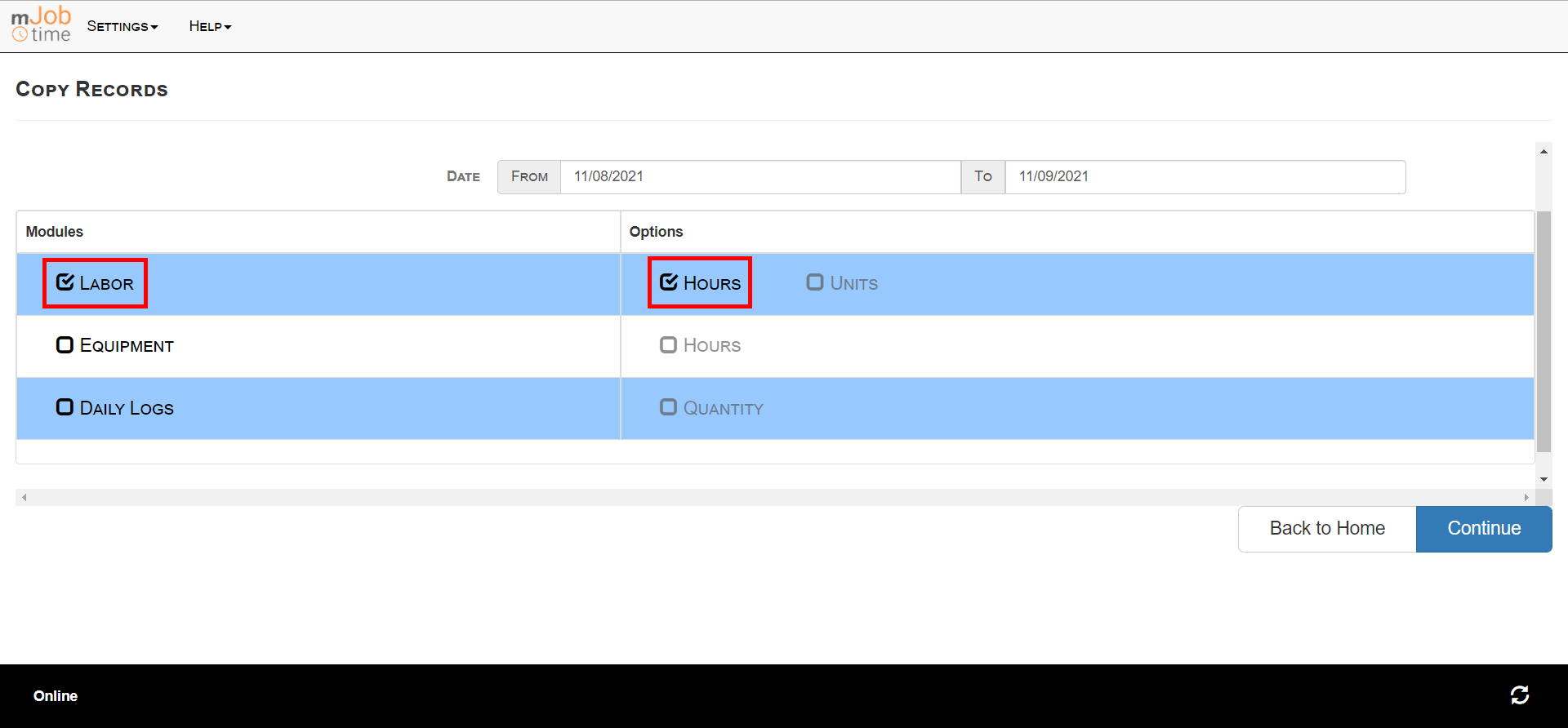
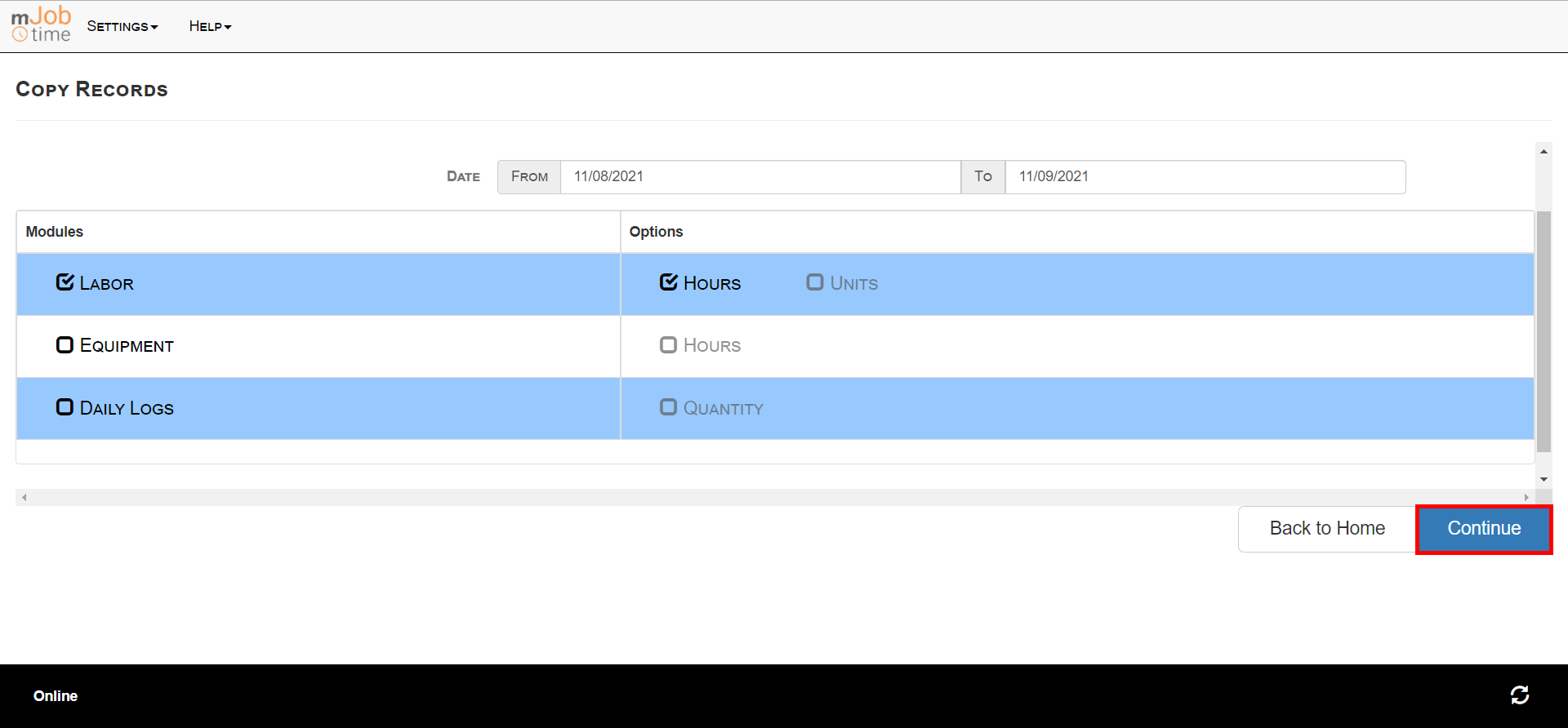
Select the Continue button to finish.
Know someone who could benefit from mJobTime? Share the wealth! Send us a qualified referral, and if they complete a software demo, we'll send you a $50 gift card as a thank you.
Is your foreman spending too much time on paperwork? Discover strategies to streamline field reporting and automate data capture so your leaders can focus on leading, not logging.
Read full postHave a question, feedback, or a topic you want us to cover next month? Let us know below.